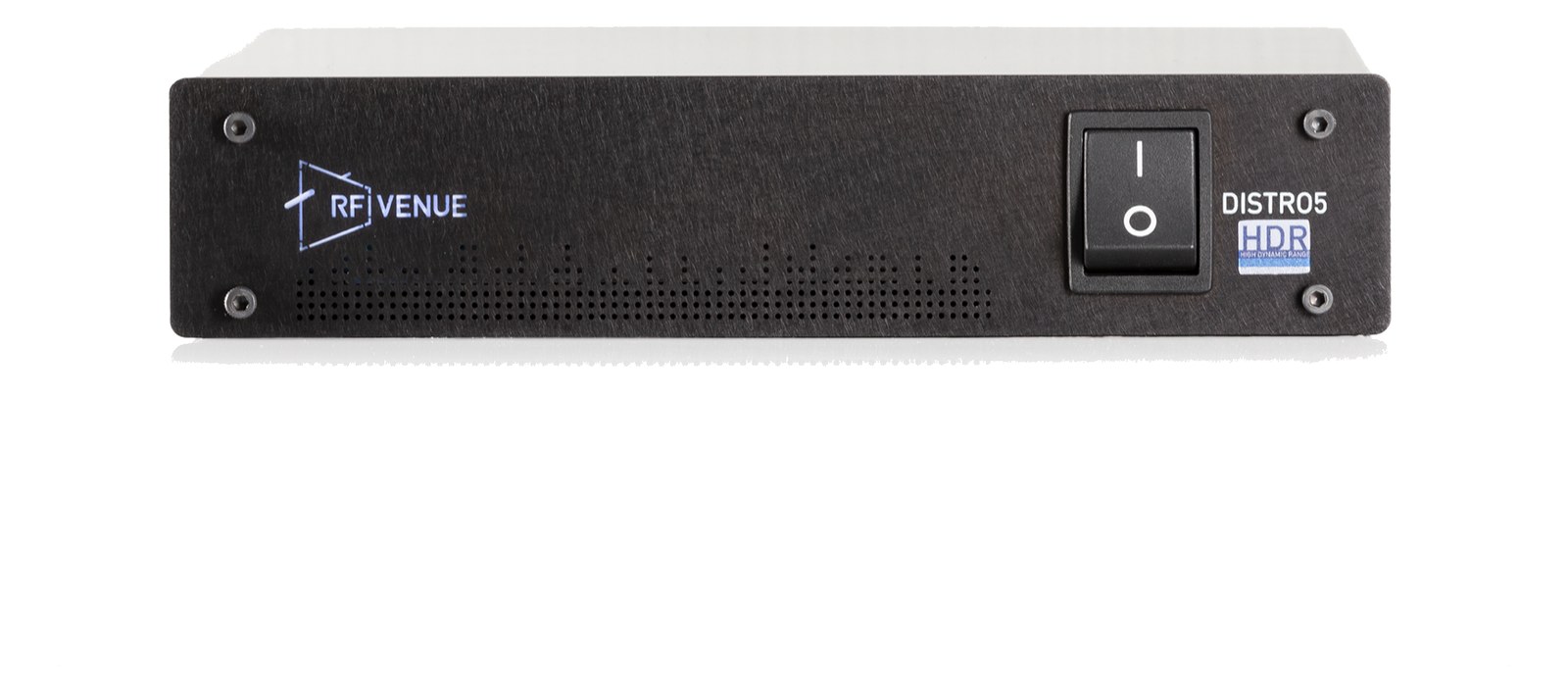
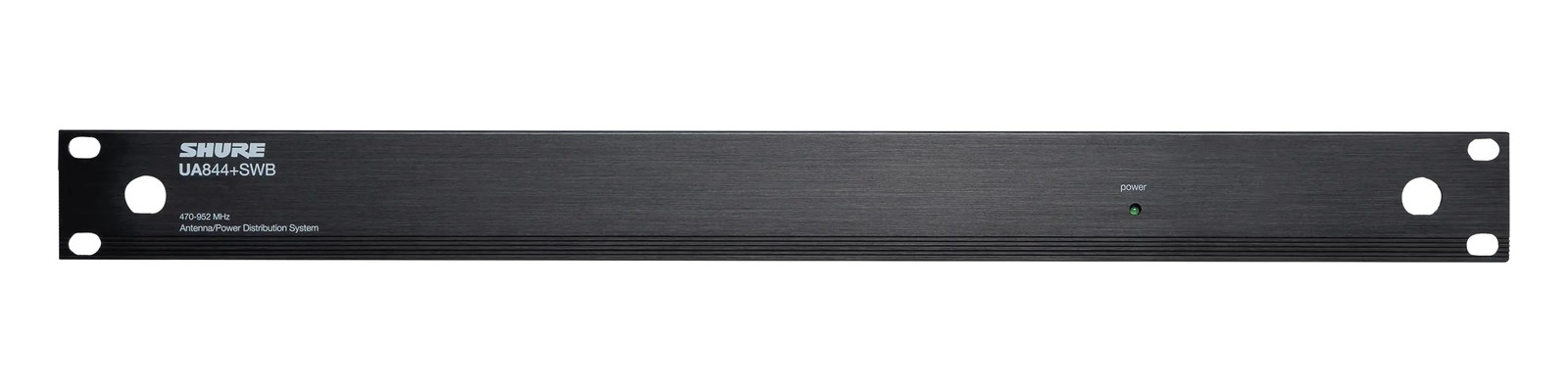
The RF Venue DISTRO5 HDR feeds five diversity receiver pairs from one antenna pair in half a rack space, with DC power distribution for the receivers and the ability to run on battery power for remote or portable rigs. High dynamic range amplification keeps strong local transmitters from swamping the mic receivers downstream. Cascade ports extend the system when channel counts grow.
~$749Use retailer rows for current price and stock
01 · What it does—and what that changes in your rig.
Product overview
Start with the payoff, then work through how it functions, where it fits, and the details that change a real build.
The payoff
Antenna Distro decisions, organized around the whole rig.
The DISTRO5 HDR is RFRadio Frequency — the wireless part of wireless. RF planning is why big rigs scan, coordinate, and combine antennas instead of hoping. Venue's answer to the antenna tangle that happens the moment you put more than two wireless receivers in a rack. It takes a single pair of diversityA receiver with two antennas and two radio sections that continuously picks the stronger one — the difference between a dropout and a show. antennas and splits that signal cleanly to five receiver pairs, all from a half-rackThe standard slice of rack height: 1U = 1.75″. A 3U box takes three slices; half-rack gear pairs two units side by side in one. panel that runs on 6 watts nominal. The cascade outputs mean you're not painted into a corner either — chain a second unit when the channel count grows and you keep a single pair of remotely placed antennas doing the work for the whole system. For IEMIn-Ear Monitor — earpieces that replace floor wedges, feeding each player their own mix. The reason this whole rack exists. and playback rigs where clean RF is the foundation of everything else, this is the unit that makes antenna placement a one-time decision instead of a per-receiver negotiation.
Documented outputs
1010 destination connections
Documented inputs
4Based on documented inputs
Rack space
1U · half-rackBuilder checks available rail space
RF Venue product panel1U · half-rack · 6W
Function
How it works in the path
The HDR designation matters on busy stages. High dynamic rangeThe span between a device’s noise floor and its clipping point — the room between the quietest and loudest sounds it can pass. amplification is specifically designed to hold its composure when a strong transmitter — a local pack, a stagehand with a radio, a TV crew parked nearby — would otherwise drive a standard active distroOne pair of antennas feeding many receivers through an amplified splitter — replaces the forest of whips and keeps RF levels consistent. into intermodulationIntermodulation — ghost frequencies created when transmitters mix in each other’s electronics. Why multi-channel wireless is calculated, not guessed. that muddies every receiver downstream. The active distribution also means you're compensating for cable loss on long antenna runs rather than fighting a passive split's inherent signal loss across five outputs. DC power distribution to connected receivers is another practical win at load-in: fewer wall warts, fewer power strip slots burned, cleaner rack wiring. The battery capability makes it genuinely useful in a fly pack or a stage-side wireless station where you can't always guarantee clean AC.
Best fit
Where it earns its place in the rack
If you're running five or fewer diversityA receiver with two antennas and two radio sections that continuously picks the stronger one — the difference between a dropout and a show. wireless channels — IEMsIn-Ear Monitor — earpieces that replace floor wedges, feeding each player their own mix. The reason this whole rack exists., handhelds, lavs, whatever the combination — and you want real antenna placement flexibility with a single coherent solution, the DISTRO5 HDR belongs in your rack at $749. If your system is already pushing past five channels regularly, buy two and cascade them rather than trying to make a single unit stretch. Where this isn't the right fit: if your receivers don't use BNCThe twist-lock coax connector used for word clock and antenna runs — it locks, so it can’t be pulled out mid-show. antenna connections, you'll be adapting everything, and that introduces its own risk. Also, engineers running a single-channel grab-and-go setup don't need active distribution — passive BNC splitters are fine at that scale.
In the rack
Details worth deciding before load-in.
Mount it at the top of the wireless section so the cascade outputs face whatever direction the second unit lives — short BNCThe twist-lock coax connector used for word clock and antenna runs — it locks, so it can’t be pulled out mid-show. jumpers between cascaded units are far preferable to a long run of coax looping through the rack.
Run your antenna cable to the DISTRO5 first, then distribute DC power to receivers from it — you'll eliminate a row of wall warts and free up power strip space for gear that actually needs individual feeds.
When using battery power for a remote or stage-side station, confirm your battery voltage matches what the unit expects before trusting it during a show; test the full chain in rehearsal, not at line checkThe quick pre-show pass confirming every input reaches the console, one line at a time. Not a soundcheck — just does it work..
If a specific receiver slot is showing degraded RFRadio Frequency — the wireless part of wireless. RF planning is why big rigs scan, coordinate, and combine antennas instead of hoping. compared to its neighbors, swap that channel's A and B BNCThe twist-lock coax connector used for word clock and antenna runs — it locks, so it can’t be pulled out mid-show. outputs with an adjacent pair to quickly rule out a failing output on the distroOne pair of antennas feeding many receivers through an amplified splitter — replaces the forest of whips and keeps RF levels consistent. versus a problem with the receiver itself.
02 · Know the whole path before you buy.
Signal path
Learn the route as a block diagram: source, product function, transport, and destination. Select any block to see what enters, what changes, and what leaves.
Interactive block diagramAuto-looping · hover, focus, or tap to hold a stage
Port-type signalProduct functionSystem boundary
Follow one signal from source to destination
Each block answers the same three questions: what arrives, what changes here, and what leaves.
01 · Source · selected
bnc + IEC C14
bnc
01 · Source
4 documented inputs
bnc + IEC C14
Arrives as
4 documented inputs
Connector
bnc + IEC C14
Signal
antenna
03 · What this product asks of the rest of the system.
Compatibility
Treat connector names as the start of the check—not the answer. These are the boundaries that determine a complete working path.
Best fit · Antenna Distro
Use it when 1U · half-rack and 150 mm of depth fit the case.
Plan the companion path
Complete the path with upstream and downstream gear that matches connector, direction, signal type, protocol, and wiring standard.
Connector boundary
Documented connectors: bnc, IEC C14, dc barrel. Match connector, direction, and signal type—not shape alone.
04 · Every connector, grouped by job.
I/O ports
Switch the product view and the documented port inventory updates with it—hardware and data stay side by side.
Every connector, grouped by job.
Switch panels to keep the hardware view and the documented port list in sync.
Front panelRear panel
All documented ports for RF Venue DISTRO5 HDR Antenna Distro
Port
Panel
Connector
Direction
Signal
Channels
Antenna A In
rear
bnc
input
antenna
—
Antenna B In
rear
bnc
input
antenna
—
Ch 1 A
rear
bnc
output
antenna
—
Ch 1 B
rear
bnc
output
antenna
—
Ch 2 A
rear
bnc
output
antenna
—
Ch 2 B
rear
bnc
output
antenna
—
Ch 3 A
rear
bnc
output
antenna
—
Ch 3 B
rear
bnc
output
antenna
—
Ch 4 A
rear
bnc
output
antenna
—
Ch 4 B
rear
bnc
output
antenna
—
Ch 5 A
rear
bnc
output
antenna
—
Ch 5 B
rear
bnc
output
antenna
—
Power (IEC)
rear
IEC C14
input
power
—
DC In (12V backup)
rear
dc barrel
input
power
—
Showing 14 of 14 documented physical ports. Scroll to review the remaining rows.
05 · Compare the decision, not just the price.
Alternatives
The rows are organized around fit, power, I/O, and system role so a cheaper unit cannot hide a more expensive workflow.
DISTRO5 HDRThe RF Venue DISTRO5 HDR feeds five diversity receiver pairs from one antenna pair in half a rack space, with DC power distribution for the receivers and the ability to run on battery power for remote or portable rigs. High dynamic range amplification keeps strong local transmitters from swamping the mic receivers downstream. Cascade ports extend the system when channel counts grow.View gear →
COMBINE4RF Venue's COMBINE4 is a brand-agnostic passive antenna combiner that merges four transmitter outputs into one antenna feed. Its half-rack form factor saves valuable rack space, and the passive design keeps things simple with no power requirements. A solid choice for smaller IEM rigs where you want to reduce antenna clutter on stage without investing in a full active combiner.View gear →
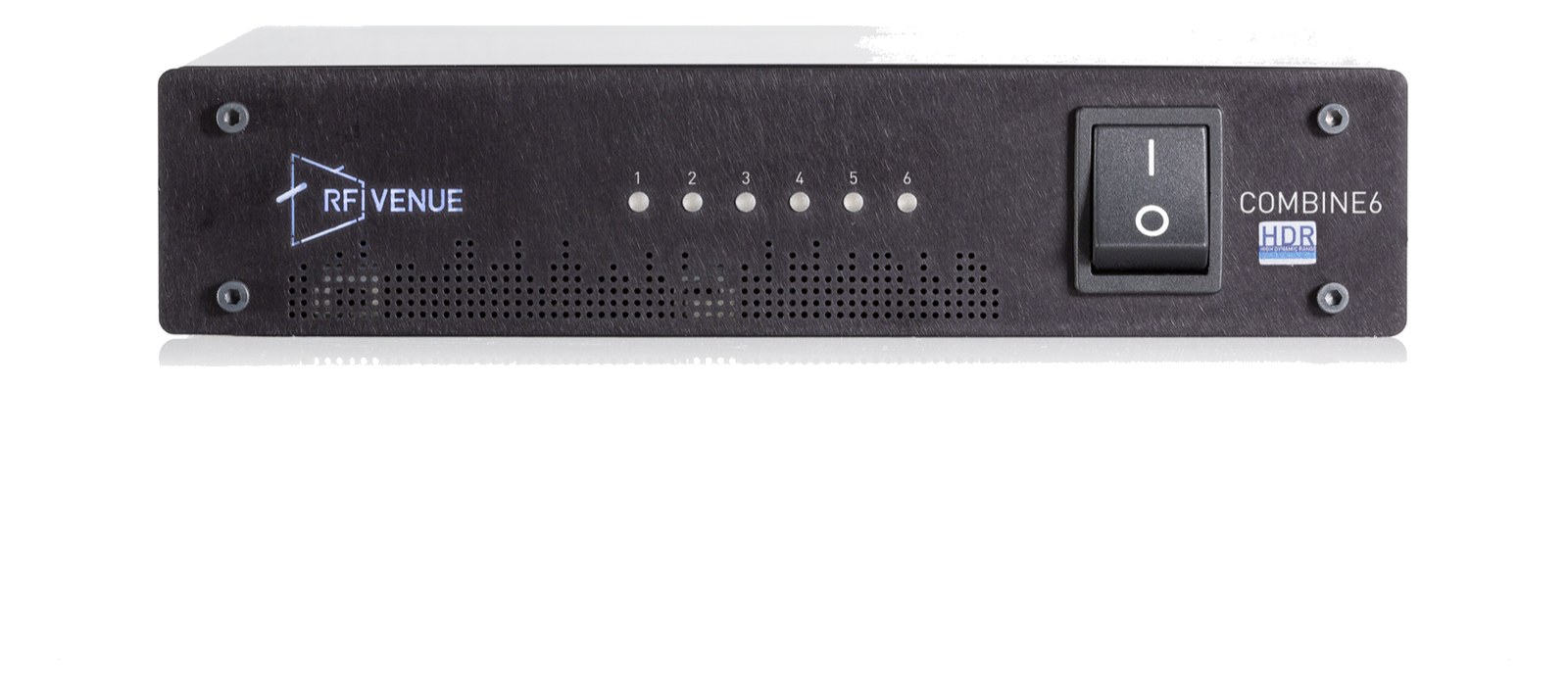
COMBINE6 HDRThe RF Venue COMBINE6 HDR squeezes a six-input IEM transmitter combiner into half a rack space, with high dynamic range RF stages built for the crowded UHF landscape. Passive RF in/out expansion ports chain a second unit for larger monitor rigs, and the single antenna output feeds a CP Beam or helical for clean transmit coverage. A dense, current-generation alternative to the classic 4:1 combiners.View gear →
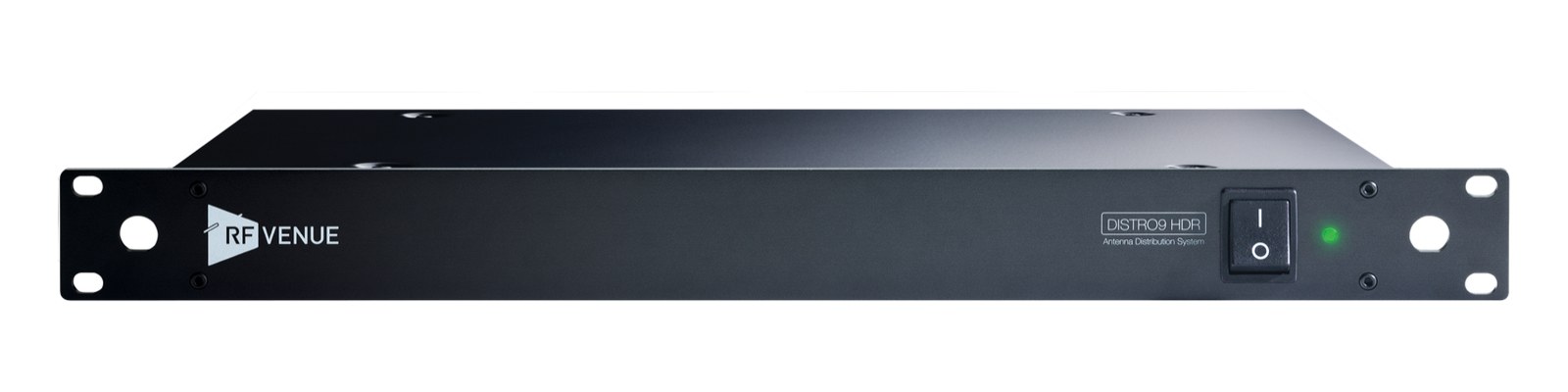
DISTRO4The RF Venue DISTRO4 is a full-width 1U antenna distribution system with four diversity receiver feeds plus cascade outputs. It provides active gain to compensate for splitting losses and an internal supply for receiver power, keeping a multi-channel wireless rack consolidated in one chassis.View gear →
06 · Resolve the questions that can change the purchase or build plan.
Planning questions
Short, source-backed answers surface rack fit, power, cabling, and connection details before they become surprises.
How will the RF Venue DISTRO5 HDR Antenna Distro affect rack fit and case depth?
It occupies 1U · half-rack. Its documented depth is 150 mm.
How much power does the RF Venue DISTRO5 HDR Antenna Distro draw?
Typical draw is 6W and documented maximum draw is 10W.
What connections does the RF Venue DISTRO5 HDR Antenna Distro have?
14 documented physical ports, including Antenna A In, Antenna B In, Ch 1 A, Ch 1 B, Ch 2 A, Ch 2 B.
07 · See this unit inside a real rack plan.
Builder preview
Placement is only the start. Builder checks space · depth · weight, power headroom, dependencies, and compatible signal paths around this exact catalog item.Open in Builder