Universal Audio Volt 876
Universal Audio·Model Volt 876·ua-volt-876
Photos
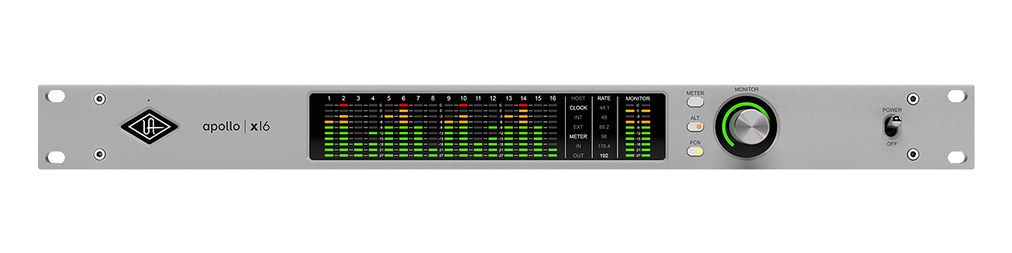
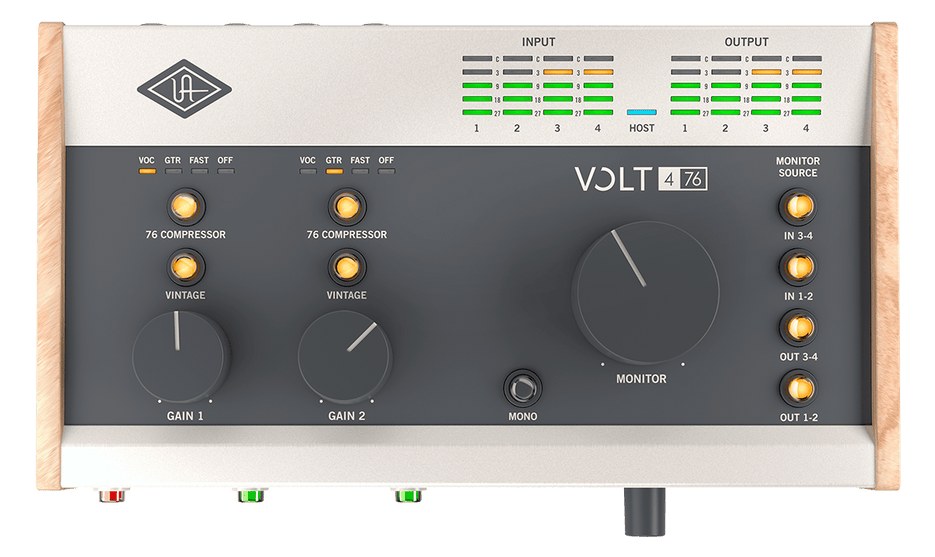
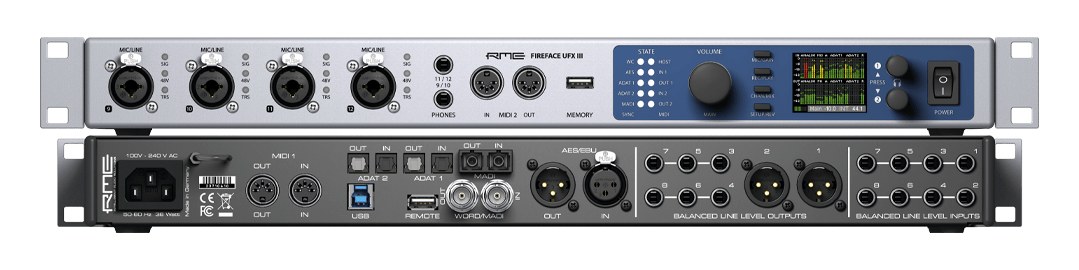
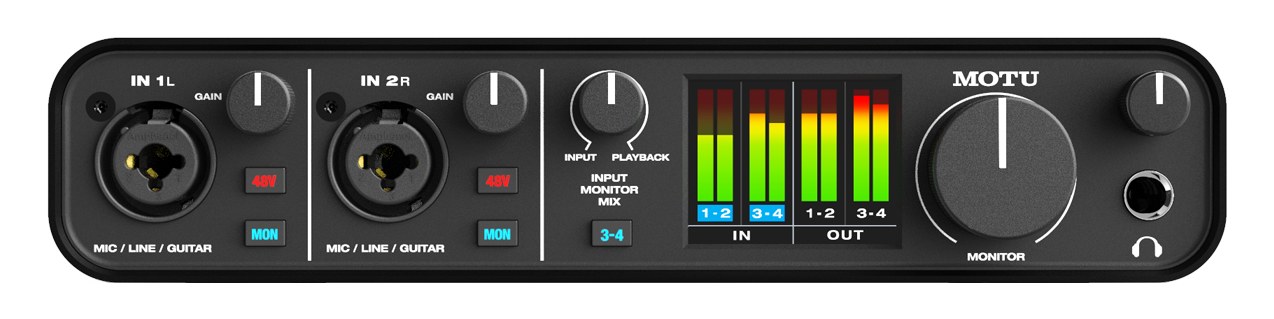
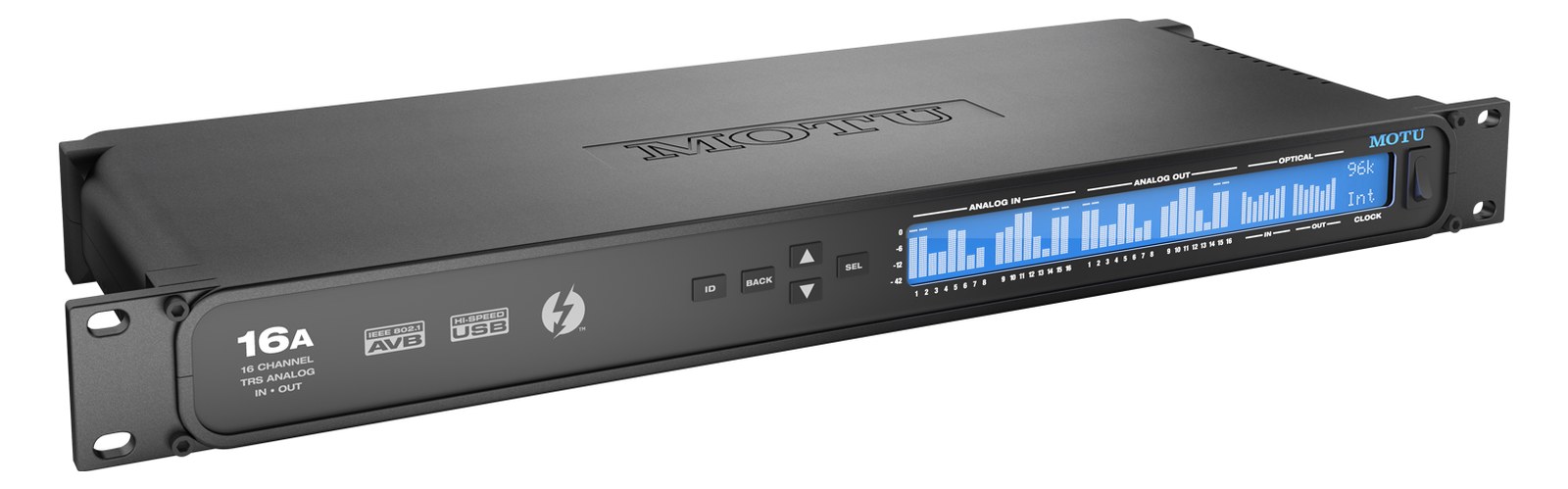
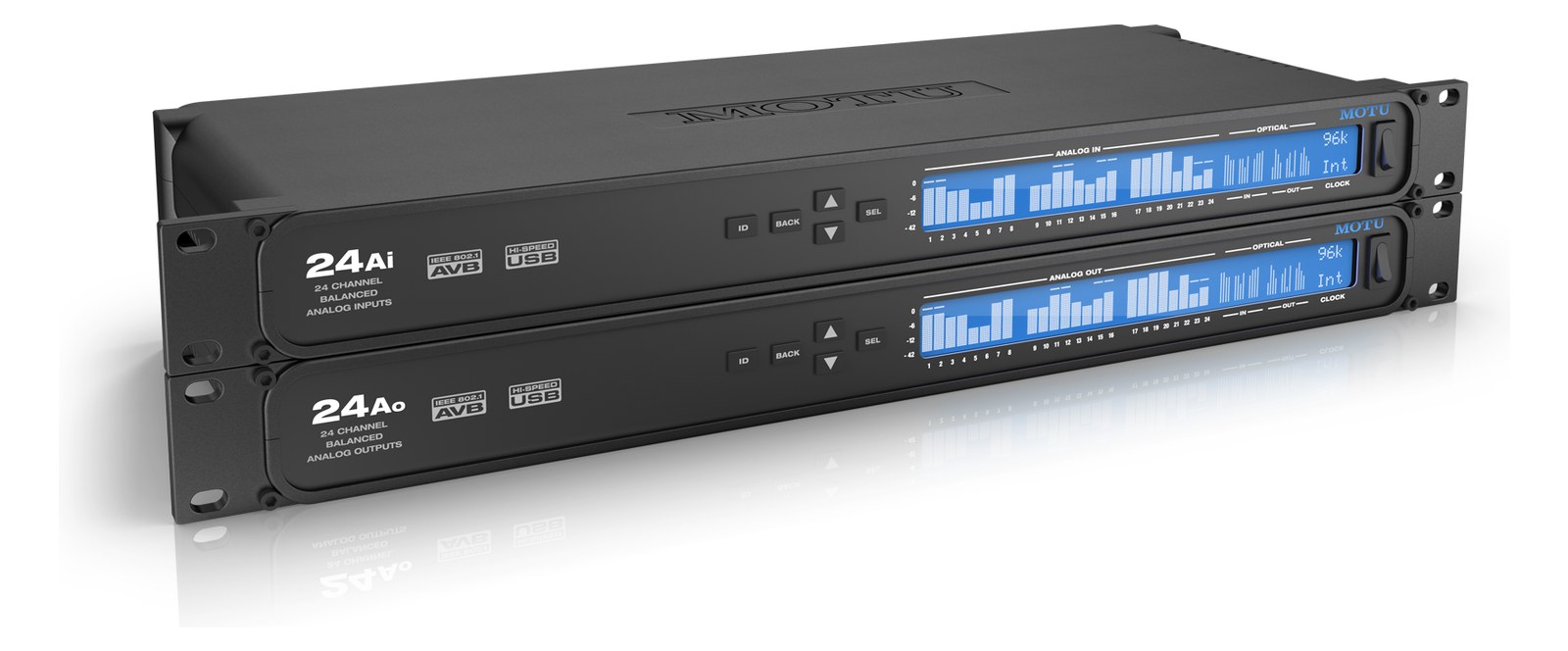
Manufacturer product photography — the drawn faceplate above stays true to panel layout; these show the hardware itself.
About the Universal Audio Volt 876
The Universal Audio Volt 876 brings the Volt line into the rack: eight vintage-mode preampsThe gain stage that lifts a mic’s tiny signal up to line level — the first thing a signal hits, and a big part of how a console sounds., 24-in/28-out USB-C I/O with 32-bit convertersThe circuitry that turns analog audio into digital data and back (A/D and D/A). Converter quality sets a digital rig’s sound ceiling., and ADATOptical digital audio: 8 channels at 48 kHz down one Toslink lightpipe (4 at 96 kHz). The usual way to add more channels to an interface. expansion in a 1UThe standard slice of rack height: 1U = 1.75″. A 3U box takes three slices; half-rack gear pairs two units side by side in one. chassis for under a thousand dollars. It is the budget-Apollo move for band-sized recording and playback rigs that want UA character without DSPDigital Signal Processing — the number-crunching that does EQ, compression, and effects inside a box. More DSP means more processing at once. pricing. Released late 2025; found missing by the gear-fit auditor.
The Volt 876 is Universal Audio's first rackmount entry in the Volt line, and it lands in a useful spot: a 1UThe standard slice of rack height: 1U = 1.75″. A 3U box takes three slices; half-rack gear pairs two units side by side in one., USB-C interface with eight combo preampsThe gain stage that lifts a mic’s tiny signal up to line level — the first thing a signal hits, and a big part of how a console sounds., 32-bit convertersThe circuitry that turns analog audio into digital data and back (A/D and D/A). Converter quality sets a digital rig’s sound ceiling., and ADATOptical digital audio: 8 channels at 48 kHz down one Toslink lightpipe (4 at 96 kHz). The usual way to add more channels to an interface. I/O for under a thousand dollars. In a live rig it functions as the central analog-to-digital gateway — the place where microphones, DIsDirect Injection box — converts an instrument’s unbalanced signal to a balanced mic-level XLR so it can run long cables without noise., and line-levelThe strong signal that runs between pieces of gear (about a volt) — hotter than mic level, far below speaker level. sources get digitized and handed off to a DAWDigital Audio Workstation — the recording and playback software (Logic, Ableton Live, Pro Tools) at the center of a computer rig. or playback host running on a connected laptop or workstation. The vintage-mode preamp character UA built into the desktop Volts carries over here, which means you're getting some of that transformerA magnetic coupling that passes audio between two windings with no wire contact — isolates splits and kills ground-loop hum, no power needed.-style saturation option on every input, not just a clean utility box.
Eight combo inputs across the front cover a full band input list without expansion, and the ADATOptical digital audio: 8 channels at 48 kHz down one Toslink lightpipe (4 at 96 kHz). The usual way to add more channels to an interface. port lets you bolt on an eight-channel preampThe gain stage that lifts a mic’s tiny signal up to line level — the first thing a signal hits, and a big part of how a console sounds. or converterThe circuitry that turns analog audio into digital data and back (A/D and D/A). Converter quality sets a digital rig’s sound ceiling. if the show grows. The 8 TRSTip-Ring-Sleeve — a 1/4″ jack with three contacts carrying a balanced signal or a stereo pair. A guitar plug with one extra ring. line outputs give you enough analog paths to feed IEMIn-Ear Monitor — earpieces that replace floor wedges, feeding each player their own mix. The reason this whole rack exists. transmitters, a console, or both without routing everything through a digital snakeA multicore cable bundling many channels into one stage-to-console run. A sub-snake collects one corner of the stage into a drop box.. At 15W nominal draw and 2.5 kg in a 210mm-deep chassis, it sits comfortably in a shallow gig rack without fighting for space or power budget. The USB-C connection means your host machine needs a reliable cable and port — at show time that single connection is the entire audio path, so strain-relief it seriously.
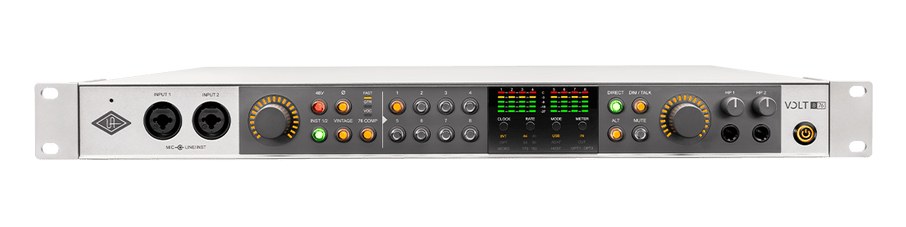
This box makes most sense for a small touring or rehearsal rig where one engineer is running playback and IEMIn-Ear Monitor — earpieces that replace floor wedges, feeding each player their own mix. The reason this whole rack exists. mixes from a laptop, wants real preampsThe gain stage that lifts a mic’s tiny signal up to line level — the first thing a signal hits, and a big part of how a console sounds. instead of a patchbayA panel of front-facing jacks wired to everything behind it — re-route any signal with a short cable instead of climbing behind the rack. full of external pres, and doesn't need Thunderbolt latencyThe delay between sound entering and leaving a digital system. IEM rigs fight to keep the whole chain down to a few milliseconds. or onboard DSPDigital Signal Processing — the number-crunching that does EQ, compression, and effects inside a box. More DSP means more processing at once.. If you're running DanteThe most common audio-over-network standard: dozens of channels of uncompressed digital audio down one ordinary Ethernet cable between Dante boxes. or AVBAudio Video Bridging — open network audio (MOTU, PreSonus) where the switch reserves bandwidth so streams can’t glitch. Milan is its pro profile. into a digital console, the Volt 876 is the wrong tool — you want a network interface, not a USB box. Similarly, if your workflow depends on UA's LUNA or UAD plug-in processing on the interface itself, this isn't an Apollo; DSP lives in the UAD-2 and Apollo lines, not here. For what it is — an honest, rackmount eight-pre USB interface with expansion room — the price-to-port ratio is hard to argue with.
In the rack
- Strain-relief the USB-C cable at both ends with a cable lock or adhesive anchor — losing the host connection mid-show drops every input and output simultaneously.
- Use the ADATOptical digital audio: 8 channels at 48 kHz down one Toslink lightpipe (4 at 96 kHz). The usual way to add more channels to an interface. port to add a dedicated headphone amp expander (any ADAT-equipped unit works) so monitor mixes can be distributed without consuming your eight analog line outputs.
- If your laptop host goes to sleep or the USB busA path where multiple channels sum into one signal — mixes, groups, and mains are all buses. A 25-bus console can build 25 blends at once. resets during a set change, the interface will re-enumerate — set your OS power settings to 'never sleep' and disable USB selective suspend before doors open.
- The Monitor Out L/R is a separate stereo path from Line Out 1–8, which makes it a clean dedicated control-room or engineer's cue feed without touching your main output routing.
First rackmount Volt — 24x28 USB-C, 8 preampsThe gain stage that lifts a mic’s tiny signal up to line level — the first thing a signal hits, and a big part of how a console sounds., 32-bit convertersThe circuitry that turns analog audio into digital data and back (A/D and D/A). Converter quality sets a digital rig’s sound ceiling. (2025).
I/O Ports (7)
| Port | Connector | Direction | Signal | Channels |
|---|---|---|---|---|
| Mic/Line 1-8 | COMBO XLR TRS | input | analog audio | 8 |
| Line Out 1-8 | TRS QUARTER | output | analog audio | 8 |
| Monitor Out L/R | TRS QUARTER | output | analog audio | 2 |
| ADAT In | TOSLINK | input | digital audio | — |
| ADAT Out | TOSLINK | output | digital audio | — |
| USB-C | USB C | bidirectional | data | — |
- Power (IEC C14)
Deciding between two?
Rack space, watts, weight and every connector, side by side.
Related gear


Related articles
Guides from our library that cover planning around audio interface gear.
How to choose between a digital mixer, a Thunderbolt interface, and a Dante converter as the brain of your IEM rack — with concrete picks at each tier.
How to build a live-performance playback rig that runs click + backing tracks reliably — interface sizing, routing rules, software comparison, and what to do when the laptop crashes.
How to build a fail-safe live playback rig with primary + backup laptops, an auto-switching audio interface, and a failover workflow you can actually trust on a Sunday morning.
LTC vs MTC vs MIDI Clock, how to generate timecode from Ableton or Playback, how lighting and video receive it, and the frame-rate mistake that drifts every show.