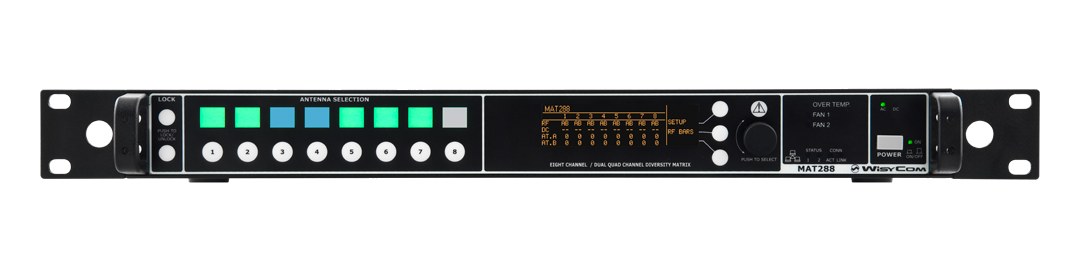
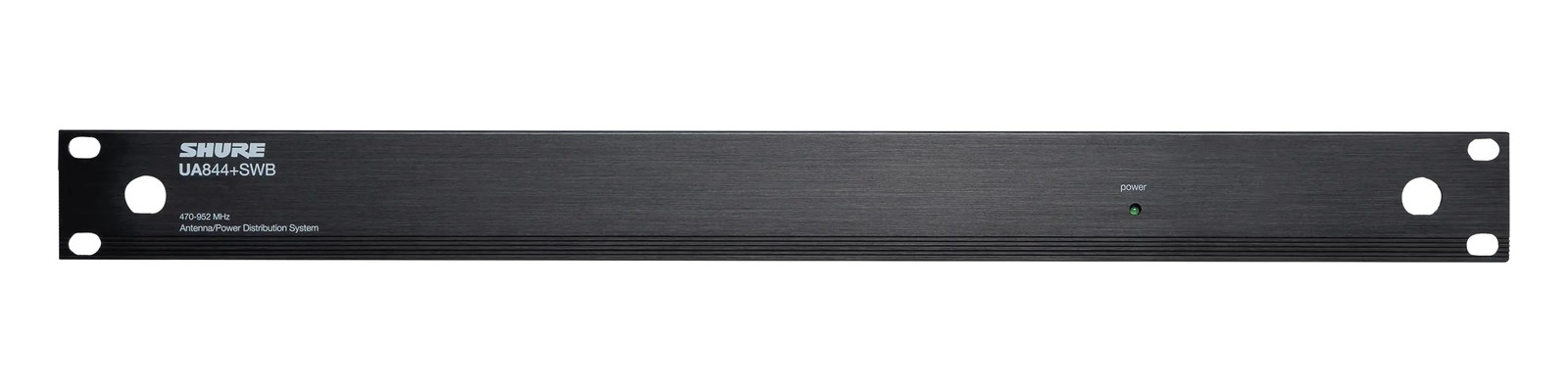
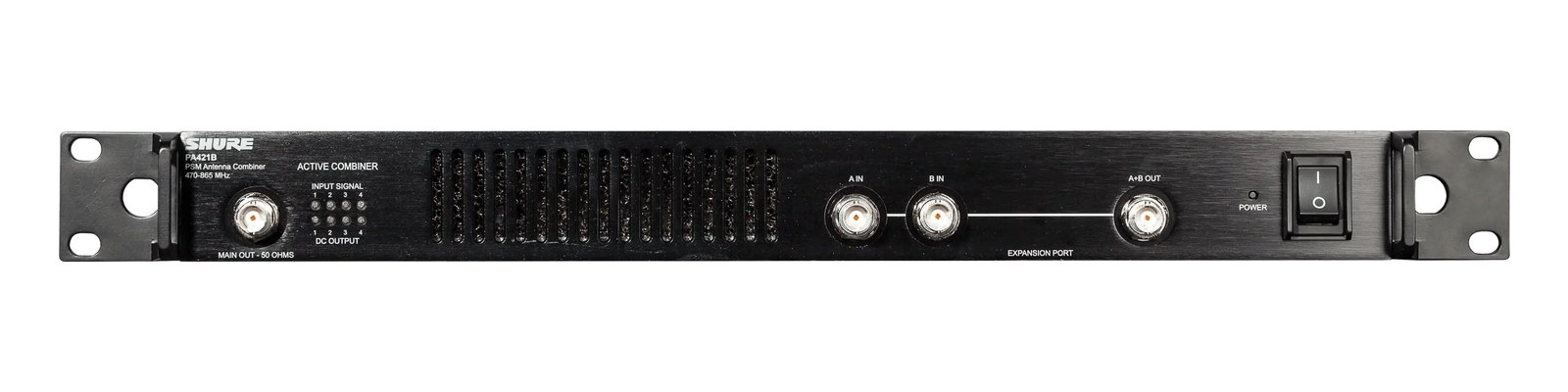
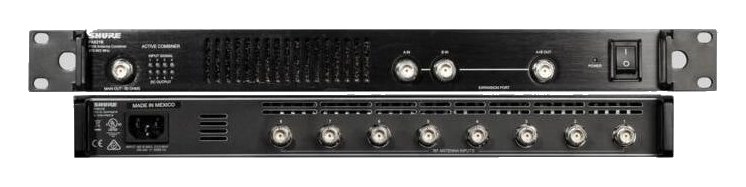
The Wisycom MAT288 is a top-tier antenna matrix that combines and distributes RF for both IEM transmitters and wireless mic receivers simultaneously in a single rack unit. This dual-purpose design eliminates the need for separate combiner and splitter units, saving significant rack space on large touring rigs. It is a premium investment that pays off when you are managing complex RF environments with many wireless channels across IEM and mic systems.
~$3,995Use retailer rows for current price and stock
01 · What it does—and what that changes in your rig.
Product overview
Start with the payoff, then work through how it functions, where it fits, and the details that change a real build.
The payoff
Antenna Distro decisions, organized around the whole rig.
The MAT288 is Wisycom's answer to the question every monitor engineer eventually faces on a large touring rig: why am I running two separate units — a combinerThe transmit-side twin of a distro: merges several IEM transmitters into one antenna without letting them intermodulate. for IEMIn-Ear Monitor — earpieces that replace floor wedges, feeding each player their own mix. The reason this whole rack exists. transmitters and a splitter for wireless mic receivers — when both systems need the same antennas? In a single rack unitThe standard slice of rack height: 1U = 1.75″. A 3U box takes three slices; half-rack gear pairs two units side by side in one., the MAT288 handles both directions simultaneously: eight transmitter inputs get combined and fed out to your antenna positions, while the incoming RFRadio Frequency — the wireless part of wireless. RF planning is why big rigs scan, coordinate, and combine antennas instead of hoping. from those same antennas gets actively split back out to eight receiver outputs. One box, both functions, one U of rack space.
Documented outputs
1010 destination connections
Documented inputs
9Based on documented inputs
Rack space
1UBuilder checks available rail space
Photo: Wisycom1U · 15W
Function
How it works in the path
At load-in, that consolidation matters more than the spec sheet suggests. You're running BNCThe twist-lock coax connector used for word clock and antenna runs — it locks, so it can’t be pulled out mid-show. to your antenna positions once, not twice, which cuts cable runs, simplifies your stage plot, and removes one complete failure point from the chain. The active design means the split to each receiver isn't a passive loss — the unit's 15-watt draw is doing real work maintaining signal integrity across all eight output legs. With 240mm of depth, it sits comfortably in a standard road case without forcing a shallow-rack compromise. The dual Antenna Out A/B ports give you the flexibility to run a primary and secondary antenna position, which on a wide stage is the difference between clean RFRadio Frequency — the wireless part of wireless. RF planning is why big rigs scan, coordinate, and combine antennas instead of hoping. coverage and a dropoutA brief audio gap when the radio link fails — the thing diversity, distros, and coordination all exist to prevent. on stage right.
Best fit
Where it earns its place in the rack
This unit belongs in a rig that's already running six or more wireless channels across both IEMIn-Ear Monitor — earpieces that replace floor wedges, feeding each player their own mix. The reason this whole rack exists. and mic systems, touring in environments where RFRadio Frequency — the wireless part of wireless. RF planning is why big rigs scan, coordinate, and combine antennas instead of hoping. is genuinely contested — arenas, festival stages, dense urban theaters. At $3,995 it is a significant line item, and a four-channel club rig or a regional act with a simpler wireless footprint will get the same result from separate, less expensive combinerThe transmit-side twin of a distro: merges several IEM transmitters into one antenna without letting them intermodulate. and splitter units. If you're not running Wisycom transmitters and receivers throughout the rack, verify compatibility carefully before committing — this is a premium ecosystem investment, not a universal patch panel.
In the rack
Details worth deciding before load-in.
Label your BNCThe twist-lock coax connector used for word clock and antenna runs — it locks, so it can’t be pulled out mid-show. patch clearly at both the MAT288 and the antenna endpoints — with 16 BNC ports on one faceplate, a mislabeled cable during a dark changeover will cost you time you don't have.
Use the dual Antenna Out A/B ports intentionally: run A to your downstage antenna position and B to upstage or side-fill coverage, rather than splitting further downstream with a passive splitter that introduces additional loss.
Keep the MAT288 toward the middle of the rack vertically if possible — the BNCThe twist-lock coax connector used for word clock and antenna runs — it locks, so it can’t be pulled out mid-show. connections on a full 16-port faceplate are dense, and having elbow room above and below makes cable dressing and mid-show troubleshooting significantly faster.
Budget the 18-watt max draw figure, not the 15-watt nominal, when calculating rack power — active RFRadio Frequency — the wireless part of wireless. RF planning is why big rigs scan, coordinate, and combine antennas instead of hoping. components can spike on initialization, and a tripped breaker at show time on a loaded power conditionerFilters venue AC, clamps surges, and gives the rack one tidy inlet. Not a voltage regulator and not a battery — just cleaner power. is an avoidable problem.
02 · Know the whole path before you buy.
Signal path
Learn the route as a block diagram: source, product function, transport, and destination. Select any block to see what enters, what changes, and what leaves.
Interactive block diagramAuto-looping · hover, focus, or tap to hold a stage
Port-type signalProduct functionSystem boundary
Follow one signal from source to destination
Each block answers the same three questions: what arrives, what changes here, and what leaves.
01 · Source · selected
bnc + IEC C14
bnc
01 · Source
9 documented inputs
bnc + IEC C14
Arrives as
9 documented inputs
Connector
bnc + IEC C14
Signal
antenna
03 · What this product asks of the rest of the system.
Compatibility
Treat connector names as the start of the check—not the answer. These are the boundaries that determine a complete working path.
Best fit · Antenna Distro
Use it when 1U and 240 mm of depth fit the case.
Plan the companion path
Complete the path with upstream and downstream gear that matches connector, direction, signal type, protocol, and wiring standard.
Connector boundary
Documented connectors: bnc, IEC C14. Match connector, direction, and signal type—not shape alone.
04 · Every connector, grouped by job.
I/O ports
Switch the product view and the documented port inventory updates with it—hardware and data stay side by side.
Every connector, grouped by job.
Switch panels to keep the hardware view and the documented port list in sync.
Front panelRear panel
All documented ports for Wisycom MAT288 Antenna Combiner/Splitter
Port
Panel
Connector
Direction
Signal
Channels
TX In 1
rear
bnc
input
antenna
—
TX In 2
rear
bnc
input
antenna
—
TX In 3
rear
bnc
input
antenna
—
TX In 4
rear
bnc
input
antenna
—
TX In 5
rear
bnc
input
antenna
—
TX In 6
rear
bnc
input
antenna
—
TX In 7
rear
bnc
input
antenna
—
TX In 8
rear
bnc
input
antenna
—
Antenna Out A
rear
bnc
output
antenna
—
Antenna Out B
rear
bnc
output
antenna
—
RX Out 1
rear
bnc
output
antenna
—
RX Out 2
rear
bnc
output
antenna
—
RX Out 3
rear
bnc
output
antenna
—
RX Out 4
rear
bnc
output
antenna
—
RX Out 5
rear
bnc
output
antenna
—
RX Out 6
rear
bnc
output
antenna
—
RX Out 7
rear
bnc
output
antenna
—
RX Out 8
rear
bnc
output
antenna
—
Power (IEC)
rear
IEC C14
input
power
—
Showing 19 of 19 documented physical ports. Scroll to review the remaining rows.
05 · Compare the decision, not just the price.
Alternatives
The rows are organized around fit, power, I/O, and system role so a cheaper unit cannot hide a more expensive workflow.
MAT288The Wisycom MAT288 is a top-tier antenna matrix that combines and distributes RF for both IEM transmitters and wireless mic receivers simultaneously in a single rack unit. This dual-purpose design eliminates the need for separate combiner and splitter units, saving significant rack space on large touring rigs. It is a premium investment that pays off when you are managing complex RF environments with many wireless channels across IEM and mic systems.View gear →
GX8The Professional Wireless GX8 is the gold standard for antenna combining on major touring productions, trusted by RF coordinators worldwide. Its active filtering and combining circuitry handles eight IEM transmitter outputs while maintaining clean, intermod-free signal at the antenna. At 2U it takes more rack space than passive alternatives, but the filtering quality justifies it for large-scale shows where RF reliability is mission-critical.View gear →
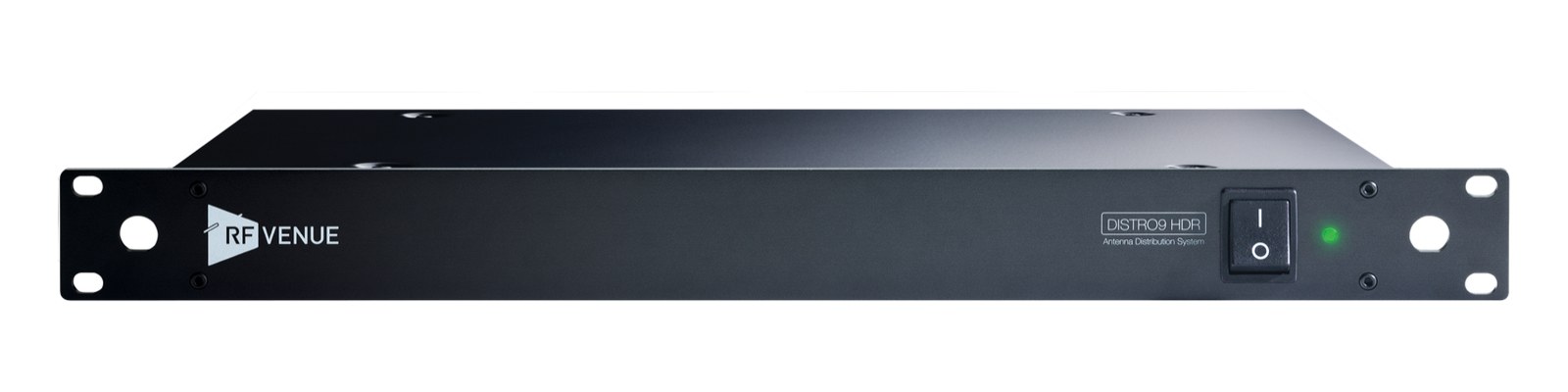
DISTRO9 HDRThe DISTRO9 HDR is RF Venue's flagship antenna distribution system, offering nine outputs with exceptional dynamic range that handles dense wireless environments without intermodulation issues. Its cascadable design lets you daisy-chain multiple units for very large channel counts. Brand-agnostic and wideband, it works equally well with Shure, Sennheiser, or any other UHF wireless system in your IEM rack.View gear →
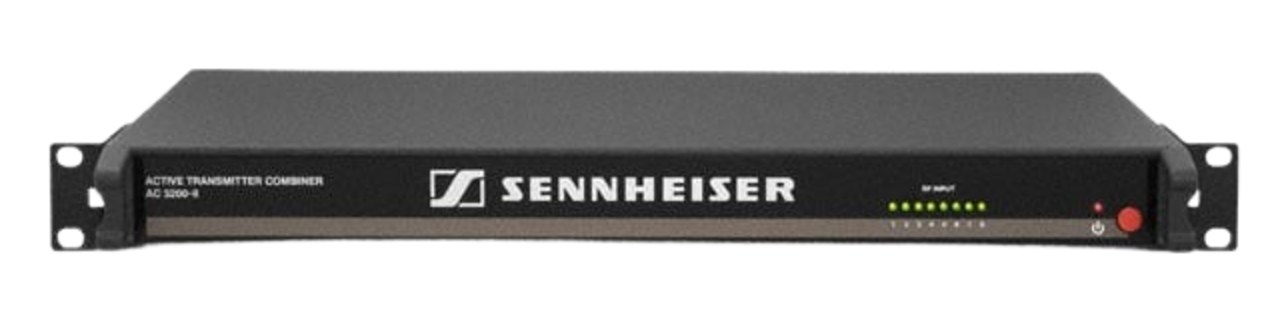
AC 3200-IIThe Sennheiser AC 3200-II is the touring-standard active combiner, putting up to eight IEM transmitters on a single antenna with headroom designed for high-power broadcast and arena use. Cascade ports let two units build a 16-channel system, and the robust RF stages keep intermod products down where cheaper combiners fold. If the monitor rack has a rack of SR 2050s in it, this is usually the box underneath them.View gear →
06 · Resolve the questions that can change the purchase or build plan.
Planning questions
Short, source-backed answers surface rack fit, power, cabling, and connection details before they become surprises.
How will the Wisycom MAT288 Antenna Combiner/Splitter affect rack fit and case depth?
It occupies 1U. Its documented depth is 240 mm.
How much power does the Wisycom MAT288 Antenna Combiner/Splitter draw?
Typical draw is 15W and documented maximum draw is 18W.
What connections does the Wisycom MAT288 Antenna Combiner/Splitter have?
19 documented physical ports, including TX In 1, TX In 2, TX In 3, TX In 4, TX In 5, TX In 6.
07 · See this unit inside a real rack plan.
Builder preview
Placement is only the start. Builder checks space · depth · weight, power headroom, dependencies, and compatible signal paths around this exact catalog item.Open in Builder