Digital Mixer

Yamaha TF-Rack

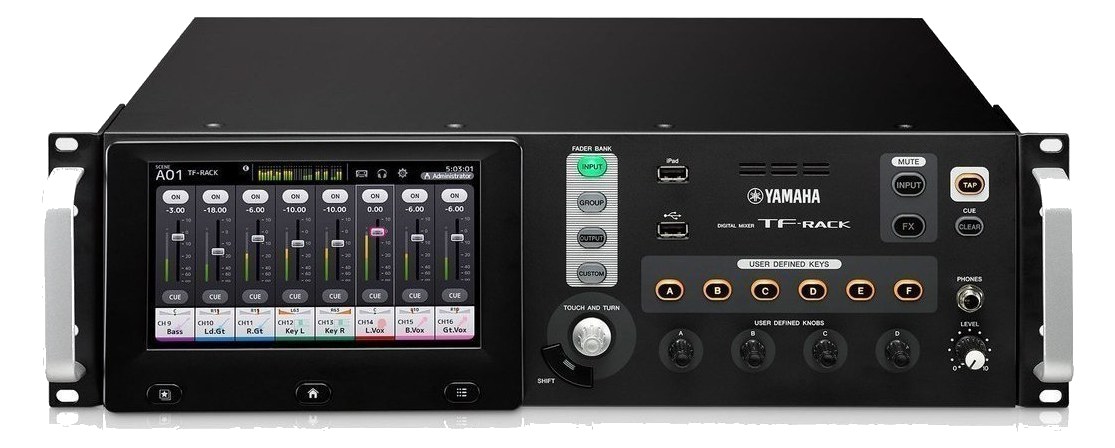
The Yamaha TF-Rack carries the TF series touchscreen workflow into a 3U rack: forty processing channels, sixteen recallable preamps, and an expansion slot for the NY64-D Dante card. TF StageMix control and one-knob compressors keep it approachable for bands mixing their own ears, with Yamaha reliability underneath. The rack twin of the TF1/TF3 desks.

Compare

Photos

Manufacturer product photography — the drawn faceplate stays true to panel layout; these show the hardware itself.

Photo: YamahaClick to zoom
Documented outputs
1One destination connection
Documented inputs
2Based on documented inputs
Rack space
3UBuilder checks available rail space
Power draw
40W60W documented maximum
Catalog estimate
~$2,100Use retailer rows for current price and stock

01 · What it does—and what that changes in your rig.

Product overview

Start with the payoff, then work through how it functions, where it fits, and the details that change a real build.

The payoff

Digital Mixer decisions, organized around the whole rig.

The TF-Rack takes Yamaha's TF-series console engine — the one behind the TF1 and TF3 desks — and squeezes it into 3U of rack space with a built-in touchscreen for direct control. In a live rig, that positions it as a self-contained monitor or IEM mixing brain: sixteen recallable mic preamps on combo inputs, sixteen XLR outputs for aux and mix sends, forty channels of processing, and a network jack that lets the band control their own ears via the TF StageMix iPad app without a dedicated monitor engineer standing at a separate console. It is a real mixer in a rack box, not a stage box with delusions.

Documented outputs
1One destination connection
Documented inputs
2Based on documented inputs
Rack space
3UBuilder checks available rail space
Soft 1Soft 2Soft 3Soft 4TF-RACKINPUTGROUPMUTETAPCUEFXYAMAHATF-RACK
Yamaha product panel3U · 40W
Function

How it works in the path

At load-in, the 300mm depth is the number to watch — shallower rack bags will fight you here, though it sits fine in any standard touring road rack. The 4.5 kg weight is genuinely light for what it does, which matters when this is one of several units in an IEM rack that already has a power conditioner and a few transmitter bays. The NY64-D expansion slot is worth planning around from day one: if your production runs Dante, drop the card in and you gain 64-channel network audio I/O, which turns the TF-Rack into a proper networked stage rack node. Without it, USB handles up to 34x34 channels to a DAW or playback machine, which covers most band-world use cases cleanly. Forty watts nominal draw keeps it friendly to a standard 15A circuit even in a dense rack.
Best fit

Where it earns its place in the rack

This unit earns its place in a working band's IEM rig or a small-to-medium corporate production where the budget doesn't support a dedicated monitor engineer and the band genuinely needs to self-mix. The one-knob compressors and StageMix workflow are real advantages for non-engineers. Where it is not the answer: if you need more than sixteen physical inputs from the stage without adding Dante, or if your FOH engineer expects a console-class effects library and deep parametric routing, a dedicated digital console or a more I/O-dense rack processor will serve better. It is also not a substitute for a proper IEM transmitter rack — it provides the mix, not the RF.

In the rack

Details worth deciding before load-in.

  • Reserve a Dante card slot budget from the start — the NY64-D dramatically changes how the unit integrates with larger productions, and retrofitting it mid-tour means a firmware check and a reconfiguration session you don't want on a show day.
  • Map your sixteen Omni outputs deliberately before the first rehearsal: aux 1-8 to IEM mixes, aux 9-12 to wedge sends, and a stereo main to FOH is a common layout that still leaves you outputs in reserve for a click feed or broadcast tap.
  • Keep the touchscreen accessible — this isn't a set-and-forget black box. Position it at the front of the rack drawer or on a shallow shelf so a band member or crew can reach it at stage level during line check without pulling the whole rack out.
  • If artists are using StageMix, put the mixer and the iPad access point on an isolated network segment. Shared green-room Wi-Fi and StageMix on the same router is a reliable way to lose mix control at the worst possible moment.

02 · Know the whole path before you buy.

Signal path

Learn the route as a block diagram: source, product function, transport, and destination. Select any block to see what enters, what changes, and what leaves.

Interactive block diagramAuto-looping · hover, focus, or tap to hold a stage
Port-type signalProduct functionSystem boundary
Follow one signal from source to destination

Each block answers the same three questions: what arrives, what changes here, and what leaves.

01 · Source · selected
01 · Source

2 documented inputs

XLR/TRS combo + IEC C14

Arrives as
2 documented inputs
Connector
XLR/TRS combo + IEC C14
Signal
analog audio

03 · What this product asks of the rest of the system.

Compatibility

Treat connector names as the start of the check—not the answer. These are the boundaries that determine a complete working path.

Best fit · Digital Mixer

Use it when 3U and 409 mm of depth fit the case.

Plan the companion path

Complete the path with upstream and downstream gear that matches connector, direction, signal type, protocol, and wiring standard.

Connector boundary

Documented connectors: XLR/TRS combo, XLR male, usb b, RJ45. Match connector, direction, and signal type—not shape alone.

04 · Every connector, grouped by job.

I/O ports

Switch the product view and the documented port inventory updates with it—hardware and data stay side by side.

Every connector, grouped by job.

Switch panels to keep the hardware view and the documented port list in sync.

Front panel
Soft 1Soft 2Soft 3Soft 4TF-RACKINPUTGROUPMUTETAPCUEFXYAMAHATF-RACK
Rear panel
YamahaTF-Rack
All documented ports for Yamaha TF-Rack
PortPanelConnectorDirectionSignalChannels
Mic/Line 1-16rearXLR/TRS combo inputanalog audio16
Omni Out 1-16rearXLR male outputanalog audio16
USB (34x34)rearusb b bidirectionaldata—
NetworkrearRJ45 bidirectionaldata—
PowerrearIEC C14 inputpower—

Showing 5 of 5 documented physical ports.

05 · Compare the decision, not just the price.

Alternatives

The rows are organized around fit, power, I/O, and system role so a cheaper unit cannot hide a more expensive workflow.

Compare
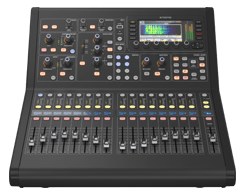
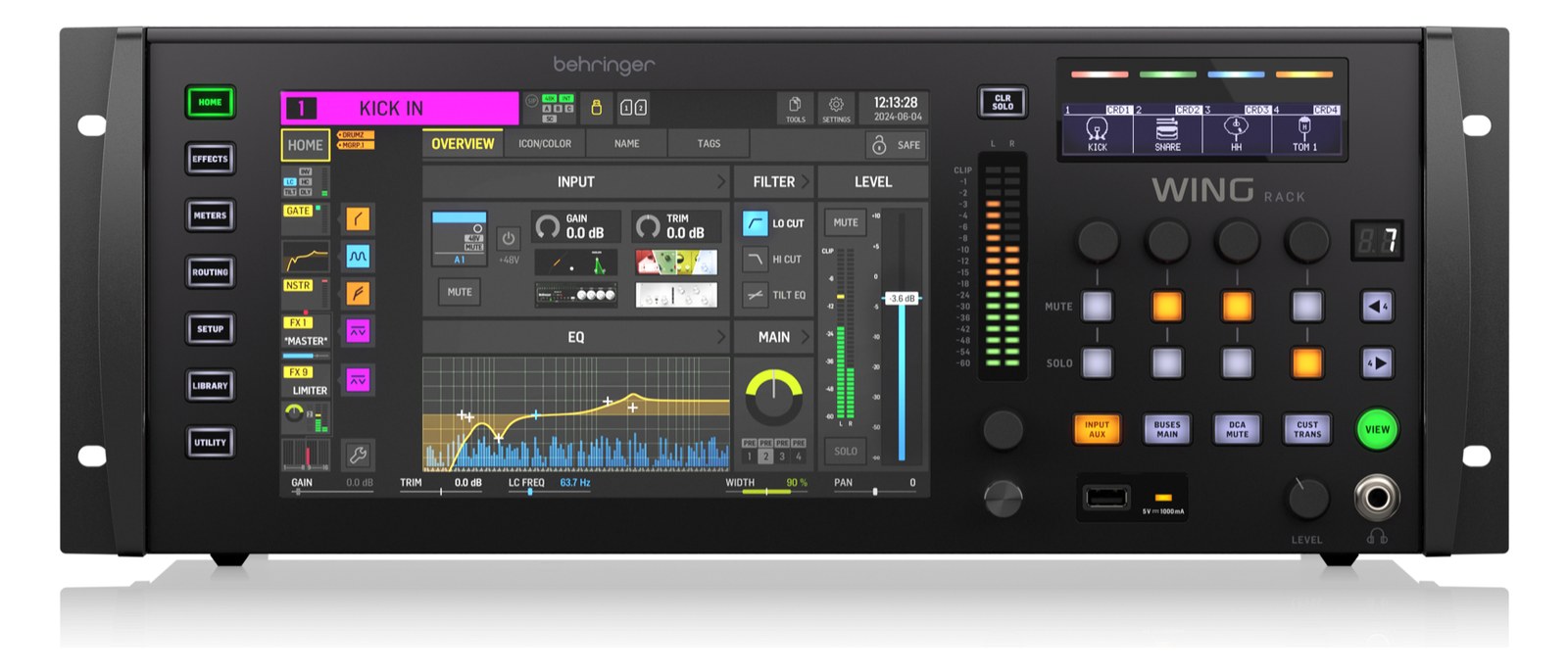
Yamaha TF-Rack — front panel with touchscreen, USB recorder section and rotary encoders
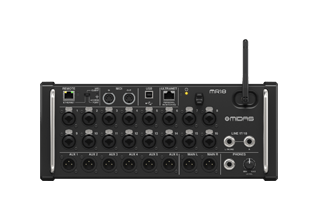
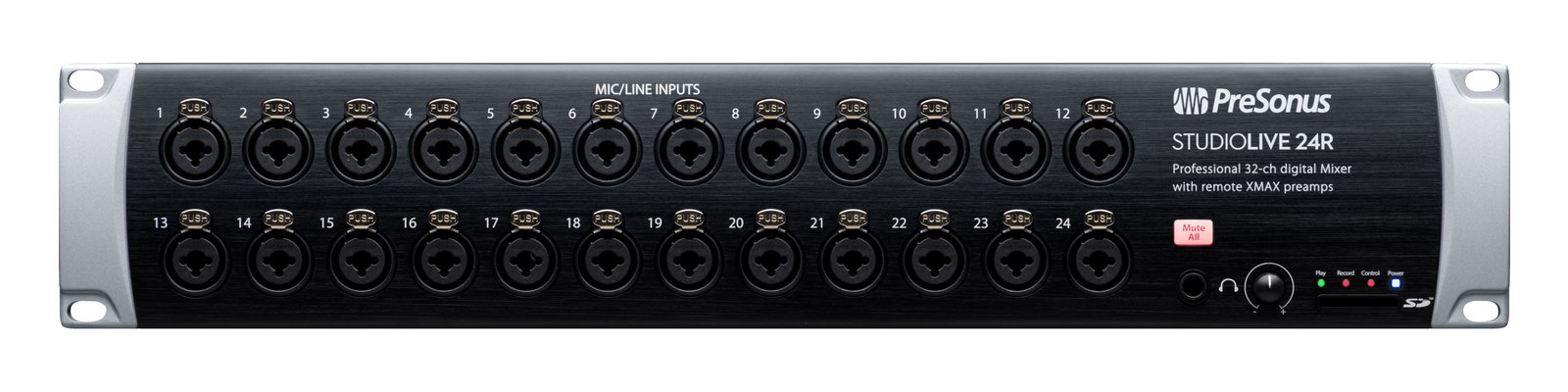
StudioLive 24R front panel
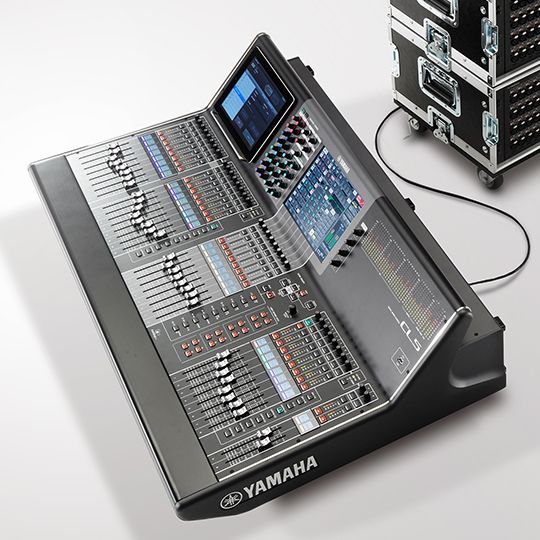
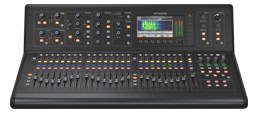
Yamaha CL5 — top three-quarter view of the console with rack case behind in a white studio
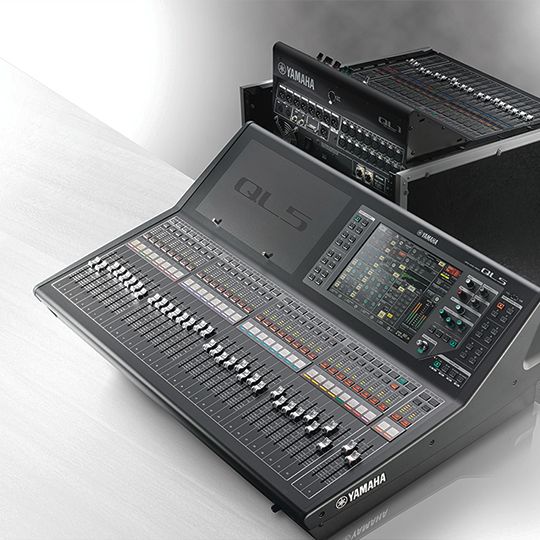
Yamaha QL5 — three-quarter view with a rack-mounted QL1 behind it
Fit📐 3U📐 2U📐 Outside rack📐 Outside rack
Power⚡ 40W⚡ 25W⚡ 230W⚡ 200W
Weight⚖️ 9.9 lb⚖️ 10.8 lb⚖️ 79.4 lb⚖️ 52.9 lb
I/O🔌 5🔌 45🔌 22🔌 22
Estimate💵 ~$2,100💵 ~$1,270💵 ~$26,999💵 ~$16,999
Deep diveCurrent selectionFull comparison →Full comparison →Full comparison →

06 · Resolve the questions that can change the purchase or build plan.

Planning questions

Short, source-backed answers surface rack fit, power, cabling, and connection details before they become surprises.

How will the Yamaha TF-Rack affect rack fit and case depth?

It occupies 3U. Its documented depth is 409 mm.

How much power does the Yamaha TF-Rack draw?

Typical draw is 40W and documented maximum draw is 60W.

What connections does the Yamaha TF-Rack have?

5 documented physical ports, including Mic/Line 1-16, Omni Out 1-16, USB (34x34), Network, Power.

07 · See this unit inside a real rack plan.

Builder preview

Placement is only the start. Builder checks space · depth · weight, power headroom, dependencies, and compatible signal paths around this exact catalog item.Open in Builder
TF-Rack positioned in a rack planA simplified plan shows the unit taking 3 rack units, with its documented connection path continuing to a planned destination.YamahaTF-RackCONNECTED GEARnext signal destination3U · 409 mm deep

08 · Related gear, in the order you may need it.

Planning guides for digital mixer systems.