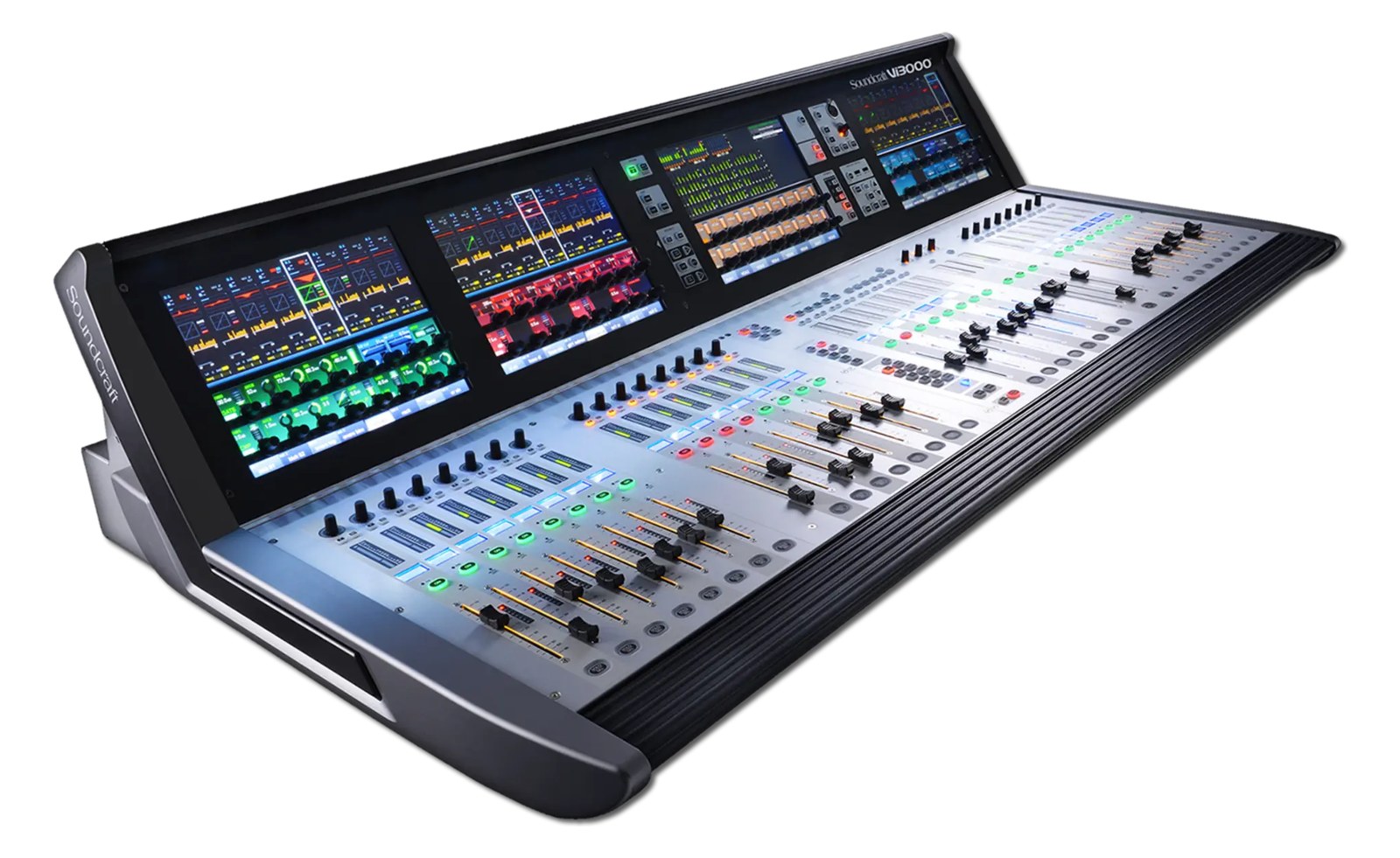
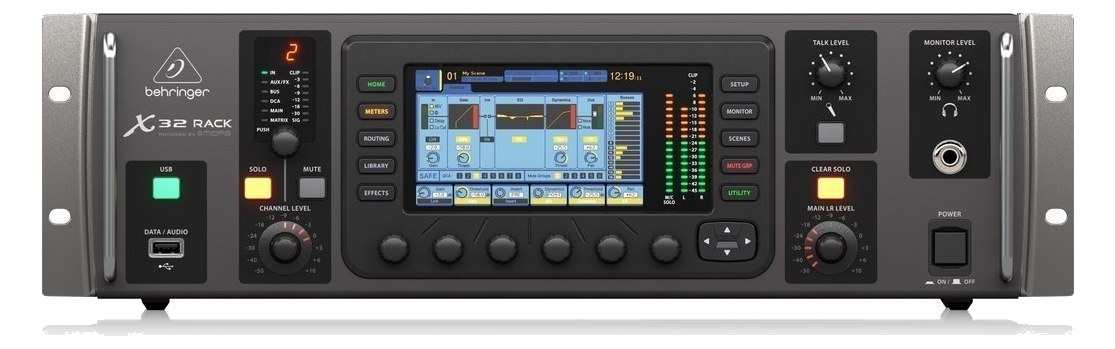
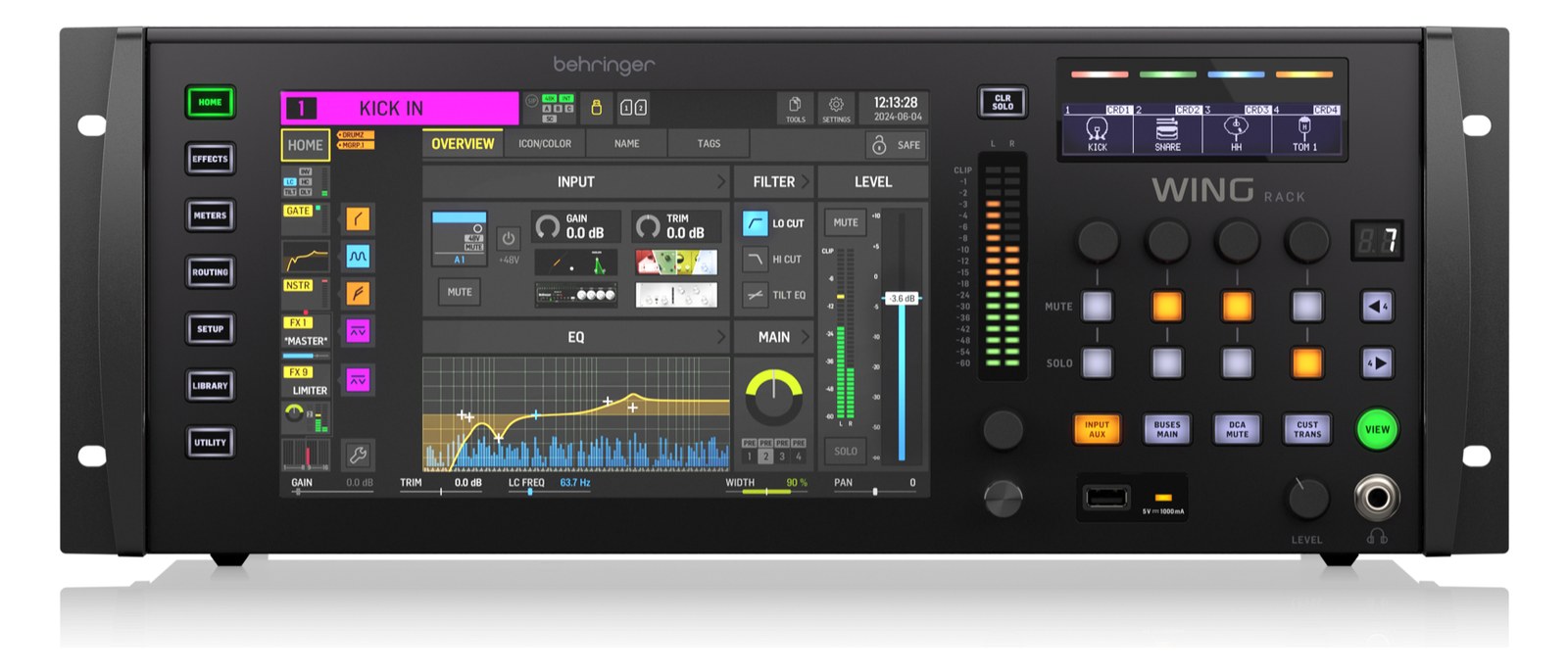
The Soundcraft Vi3000 is a touring-grade console with the Vistonics II rotary-knob-on-screen surface that's become signature to the Vi line. Strong dynamics processing and a workflow that's familiar to engineers who came up on the Vi6 and Vi7000. Common on broadcast and corporate gigs.
~$35,000Use retailer rows for current price and stock
01 · What it does—and what that changes in your rig.
Product overview
Start with the payoff, then work through how it functions, where it fits, and the details that change a real build.
The payoff
Digital Mixer decisions, organized around the whole rig.
The Vi3000 is Soundcraft's mid-tier touring console in the Vi line — a full-size desk built around the Vistonics II interface, where every parameter lives behind a physical rotary encoder paired directly to an onscreen label rather than a shared fader bank. That distinction matters in a live rig because it collapses the menu-diving that slows down other digital surfaces. This is a front-of-houseFront Of House — the main mix the audience hears, and the console position out in the room where it gets mixed. or monitor console for mid-to-large touring productions, corporate broadcasts, and theatrical runs where the house or rental company has standardized on the Vi ecosystem and the engineer already knows the workflow.
Documented outputs
1818 destination connections
Required cable runs
1madi sc
Rack space
Outside rackPlan a shelf, tray, or stage position
Soundcraft product panelOutside rack · 300W
Function
How it works in the path
At 45 kg and 720 mm deep, the Vi3000 is not gear you're sliding into a road rack — it travels in its own case and lives on a console stand at FOHFront Of House — the main mix the audience hears, and the console position out in the room where it gets mixed. or monitor worldThe side-stage domain of the monitor engineer — console, IEM racks, and everything feeding the band’s ears instead of the audience.. The 64-channel optical MADIA pro digital format carrying 64 channels on one coax or optical cable. Point-to-point — one sender, one receiver, no network required. I/O is the real backbone of the signal chain; pair it with a compatible stage boxThe I/O endpoint on stage: mics plug in there and one digital line (AES50, Dante) carries everything to the console. The snake, digitized. and you're running 64 inputs over a single fiber with redundancyA second copy of anything critical — supply, computer, network path — already running so one failure can’t stop the show. options depending on your network topology. The 16 local analog ins and outs give you fallback capability and a convenient patch point for local sources without routing back through the stage box. Power draw sits at 300 W steady with a 380 W ceiling — plan your distroOne pair of antennas feeding many receivers through an amplified splitter — replaces the forest of whips and keeps RF levels consistent. accordingly and don't share a 15 A leg with anything hungry.
Best fit
Where it earns its place in the system
If your crew already runs Vi6 or Vi7000 shows, the Vi3000 drops in with almost no retraining — show files are compatible within the family and the surface feel is essentially identical. That's the case for it. The case against it is straightforward: at $35,000 it's a significant capital commitment, and engineers who aren't already in the Vi world will face a learning curve that other platforms don't impose. If your riderThe document attached to a booking that lists what the band needs — inputs, monitors, power, backline (and the green-room snacks). calls for a DiGiCo or an Avid consistently, buying into this ecosystem doesn't make sense. Smaller productions that don't need 64 channels of MADIA pro digital format carrying 64 channels on one coax or optical cable. Point-to-point — one sender, one receiver, no network required. would be better served by something in a lower tier.
In the rack
Details worth deciding before load-in.
Run a dedicated 20 A circuit for the console alone — with a 380 W max draw you have headroomThe margin between your normal level and where things clip — headroom is what absorbs the snare hit you didn’t see coming., but sharing with amplifiers or lighting dimmers invites noise and voltage sag at the worst moments.
Bring a pre-configured show file with your standard input patch, gate, and comp settings loaded before load-in. The Vistonics surface rewards engineers who arrive organized; it won't save you time if you're building from scratch during line checkThe quick pre-show pass confirming every input reaches the console, one line at a time. Not a soundcheck — just does it work..
The optical MADIA pro digital format carrying 64 channels on one coax or optical cable. Point-to-point — one sender, one receiver, no network required. ports are your primary audio lifeline — carry a spare SC fiber jumper in your kit. A bent or dirty connector on that single cable takes down your entire input count, and analog local ins will not cover a 64-channel show.
If you're sharing the console between FOHFront Of House — the main mix the audience hears, and the console position out in the room where it gets mixed. and a monitor engineer using the surface split or a second operator, establish channel ownership and busA path where multiple channels sum into one signal — mixes, groups, and mains are all buses. A 25-bus console can build 25 blends at once. assignments in the show file before doors — the Vistonics layout makes accidental adjacent-knob edits easy when two people are working the same surface simultaneously.
02 · Know the whole path before you buy.
Signal path
Learn the route as a block diagram: source, product function, transport, and destination. Select any block to see what enters, what changes, and what leaves.
Interactive block diagramAuto-looping · hover, focus, or tap to hold a stage
Port-type signalProduct functionSystem boundary
Follow one signal from source to destination
Each block answers the same three questions: what arrives, what changes here, and what leaves.
01 · Source · selected
madi sc + XLR female
madi sc + aes3 xlr
madi sc + XLR male
01 · Source
19 documented inputs
madi sc + XLR female
Arrives as
19 documented inputs
Connector
madi sc + XLR female
Signal
digital audio
03 · What this product asks of the rest of the system.
Compatibility
Treat connector names as the start of the check—not the answer. These are the boundaries that determine a complete working path.
Best fit · Digital Mixer
Use it as digital mixer tracked outside rack rails; follow the manufacturer’s mounting and form-factor guidance.
Plan the companion path
Complete the path with upstream and downstream gear that matches connector, direction, signal type, protocol, and wiring standard.
Protocol boundary
This product declares MADI; matching plugs alone do not make other protocols compatible.
04 · Every connector, grouped by job.
I/O ports
Switch the product view and the documented port inventory updates with it—hardware and data stay side by side.
Every connector, grouped by job.
Switch panels to keep the hardware view and the documented port list in sync.
Front panelRear panel
All documented ports for Soundcraft Vi3000 Digital Mixer
Port
Panel
Connector
Direction
Signal
Channels
Optical MADI In
rear
madi sc
input
digital audio
64
Optical MADI Out
rear
madi sc
output
digital audio
64
Local Mic In 1
rear
XLR female
input
analog audio
—
Local Mic In 2
rear
XLR female
input
analog audio
—
Local Mic In 3
rear
XLR female
input
analog audio
—
Local Mic In 4
rear
XLR female
input
analog audio
—
Local Mic In 5
rear
XLR female
input
analog audio
—
Local Mic In 6
rear
XLR female
input
analog audio
—
Local Mic In 7
rear
XLR female
input
analog audio
—
Local Mic In 8
rear
XLR female
input
analog audio
—
Local Mic In 9
rear
XLR female
input
analog audio
—
Local Mic In 10
rear
XLR female
input
analog audio
—
Local Mic In 11
rear
XLR female
input
analog audio
—
Local Mic In 12
rear
XLR female
input
analog audio
—
Local Mic In 13
rear
XLR female
input
analog audio
—
Local Mic In 14
rear
XLR female
input
analog audio
—
Local Mic In 15
rear
XLR female
input
analog audio
—
Local Mic In 16
rear
XLR female
input
analog audio
—
Local Out 1
rear
XLR male
output
analog audio
—
Local Out 2
rear
XLR male
output
analog audio
—
Local Out 3
rear
XLR male
output
analog audio
—
Local Out 4
rear
XLR male
output
analog audio
—
Local Out 5
rear
XLR male
output
analog audio
—
Local Out 6
rear
XLR male
output
analog audio
—
Local Out 7
rear
XLR male
output
analog audio
—
Local Out 8
rear
XLR male
output
analog audio
—
Local Out 9
rear
XLR male
output
analog audio
—
Local Out 10
rear
XLR male
output
analog audio
—
Local Out 11
rear
XLR male
output
analog audio
—
Local Out 12
rear
XLR male
output
analog audio
—
Local Out 13
rear
XLR male
output
analog audio
—
Local Out 14
rear
XLR male
output
analog audio
—
Local Out 15
rear
XLR male
output
analog audio
—
Local Out 16
rear
XLR male
output
analog audio
—
AES3 In
rear
aes3 xlr
input
digital audio
—
AES3 Out
rear
aes3 xlr
output
digital audio
—
Ethernet (control)
rear
RJ45
bidirectional
data
—
Power (IEC)
rear
IEC C14
input
power
—
Showing 38 of 38 documented physical ports. Scroll to review the remaining rows.
05 · Compare the decision, not just the price.
Alternatives
The rows are organized around fit, power, I/O, and system role so a cheaper unit cannot hide a more expensive workflow.
Vi3000The Soundcraft Vi3000 is a touring-grade console with the Vistonics II rotary-knob-on-screen surface that's become signature to the Vi line. Strong dynamics processing and a workflow that's familiar to engineers who came up on the Vi6 and Vi7000. Common on broadcast and corporate gigs.View gear →
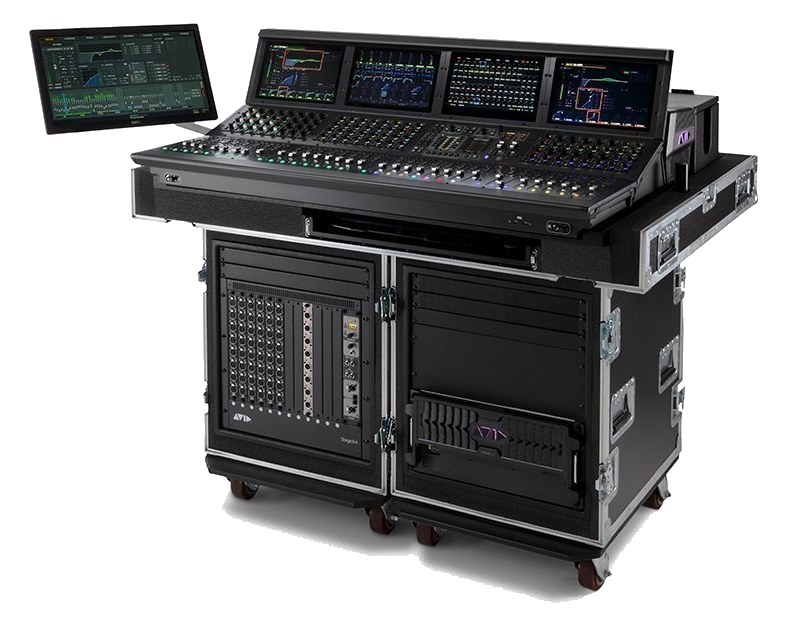
S6L-32DThe Avid VENUE S6L-32D is a 32-fader live console surface, the control layer for an Avid VENUE | S6L system. Pair it with an E6L engine and Stage 64/Stage 16 boxes for a full system that the touring world has come to expect on rock and pop riders. Pro Tools integration is the standout feature for live recording rigs.View gear →
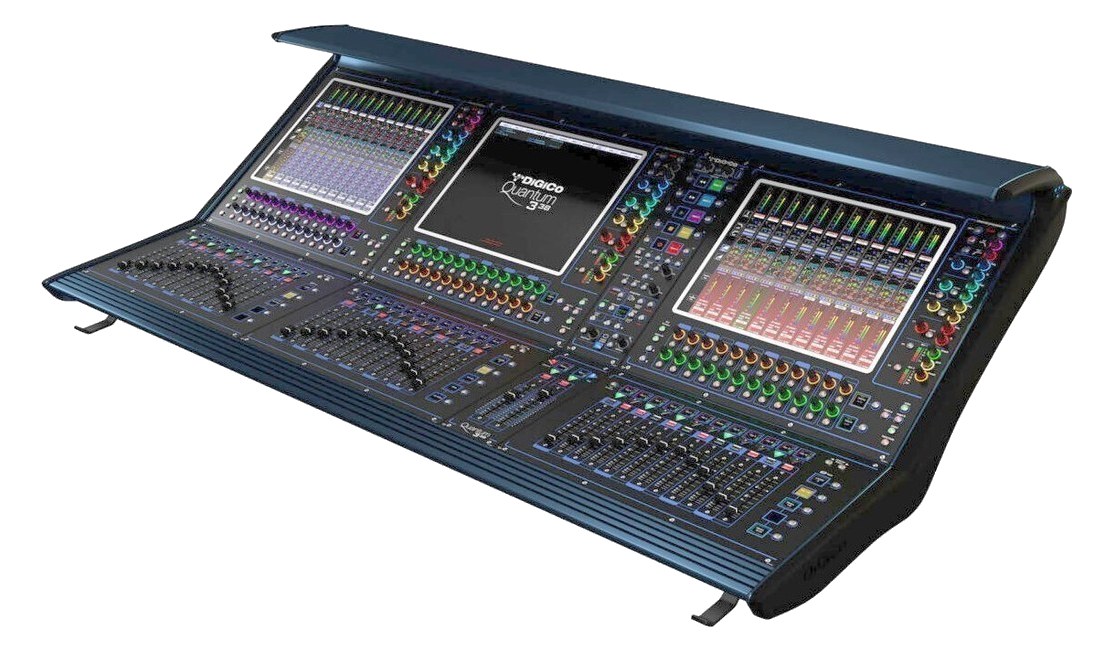
Quantum 338The DiGiCo Quantum 338 is a flagship-class digital console built for the largest touring productions. The Quantum FPGA platform delivers extremely low latency and DiGiCo's legendary signal path, paired with three large multi-touch displays and 38 faders. When the rider asks for a Quantum, this is what they mean.View gear →
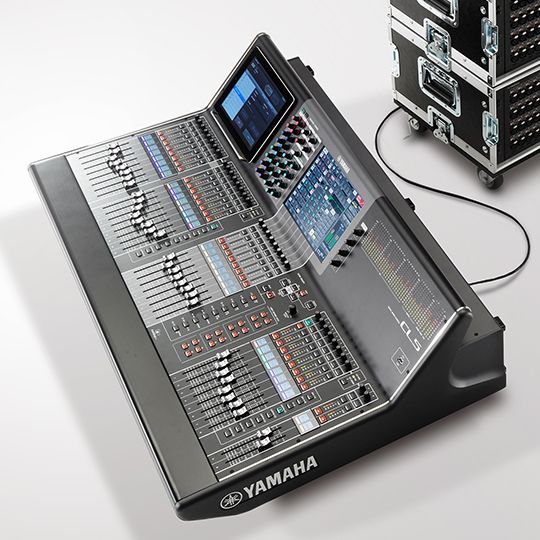
CL5The Yamaha CL5 is the flagship of Yamaha's CL series and a workhorse on touring riders and theater installs. 72 mix channels, full Dante integration, and Yamaha's long-trusted reliability make it a default pick for productions that need a big-board console with a stable software ecosystem.View gear →
06 · Resolve the questions that can change the purchase or build plan.
Planning questions
Short, source-backed answers surface rack fit, power, cabling, and connection details before they become surprises.
Where does the Soundcraft Vi3000 Digital Mixer live in a complete rig?
The catalog assigns it no rack units. Builder tracks it as non-rack gear; follow the manufacturer’s mounting, case, and form-factor guidance.
How much power does the Soundcraft Vi3000 Digital Mixer draw?
Typical draw is 300W and documented maximum draw is 380W.
What connections does the Soundcraft Vi3000 Digital Mixer have?
38 documented physical ports, including Optical MADI In, Optical MADI Out, Local Mic In 1, Local Mic In 2, Local Mic In 3, Local Mic In 4.
07 · See this gear inside a complete system plan.
Builder preview
Builder keeps non-rack gear in the same bill of materials, budget, dependency, and connection plan as the rack-mounted system around it.Open in Builder